Χρησιμοποιήστε το ChatGPT με παρουσιάσεις
Ζητήστε βοήθεια για οποιοδήποτε μέρος της παρουσίασής σας — είτε θέλετε να συνοψίσετε το νόημα διαφανειών ή να βελτιώσετε τον σχεδιασμό τους. Απλώς ανεβάστε οποιαδήποτε παρουσίαση στο ChatGPT για να κάνετε ερωτήσεις, να λάβετε πληροφορίες ή να δημιουργήσετε μια νέα παρουσίαση από την αρχή.
A partner for creating presentations
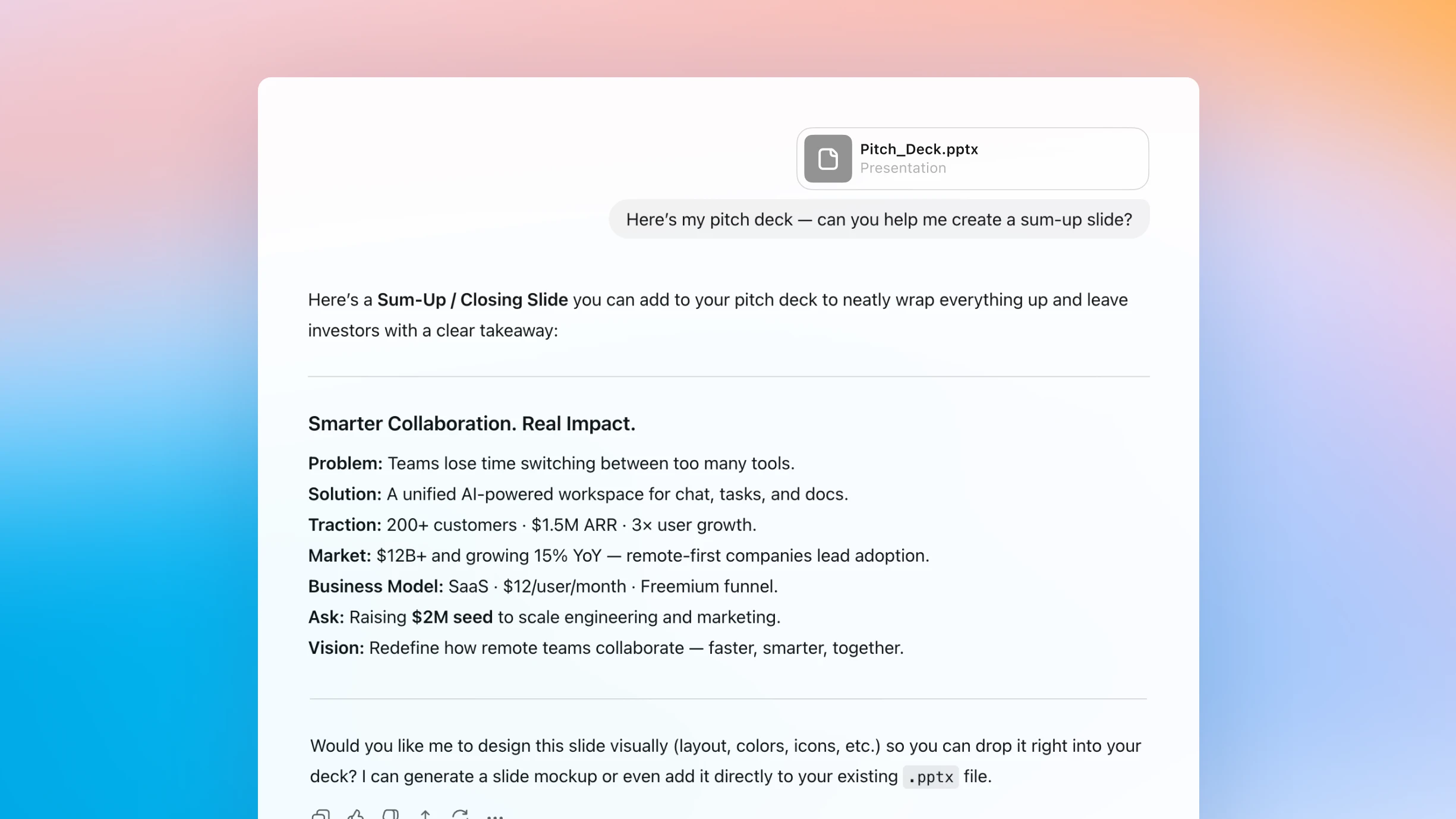
Simplify complex content
Upload a presentation to ChatGPT to summarize slides, surface key takeaways, and clarify advanced ideas, just by chatting.
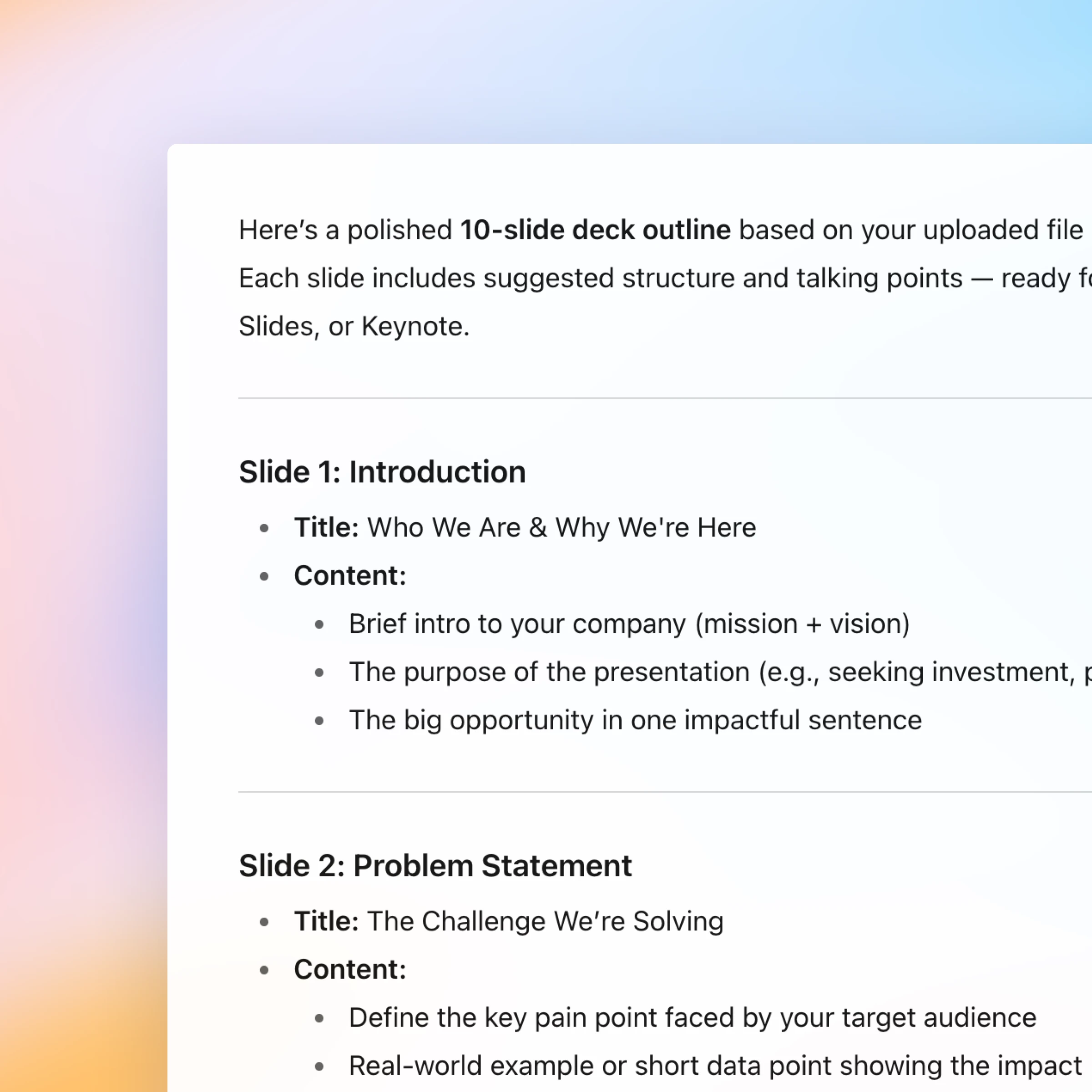
From rough draft to polished story
Start with an outline and use ChatGPT to help shape your message, organize your thoughts, and turn them into polished slides.
Have a natural conversation
Ask, refine, and iterate naturally. Every step of creating or understanding a presentation happens in one continuous, easy conversation.
New: Canva in ChatGPT
You can now create, preview, and edit Canva designs in ChatGPT, without leaving the conversation. Just mention “Canva” in your chat.
How it works
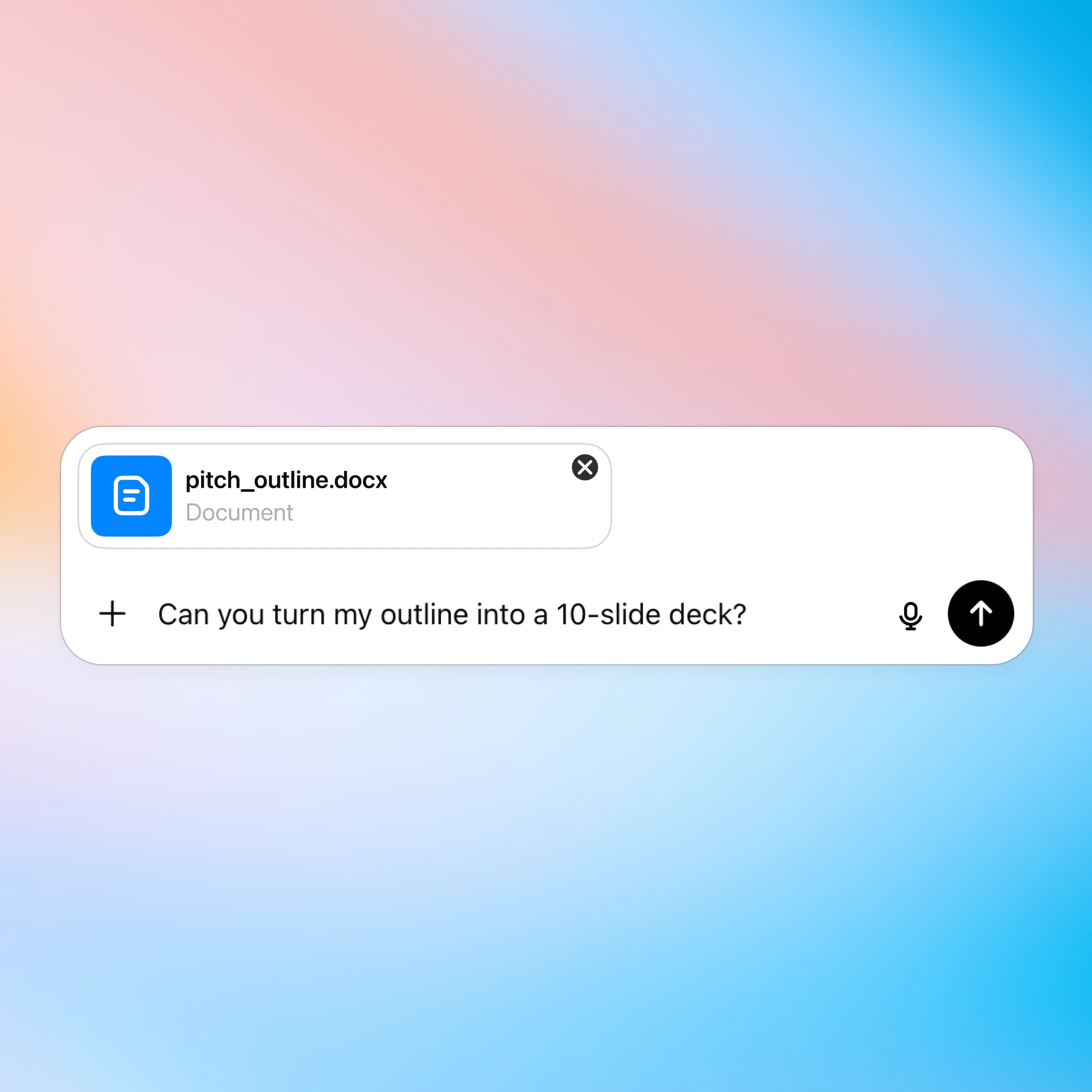
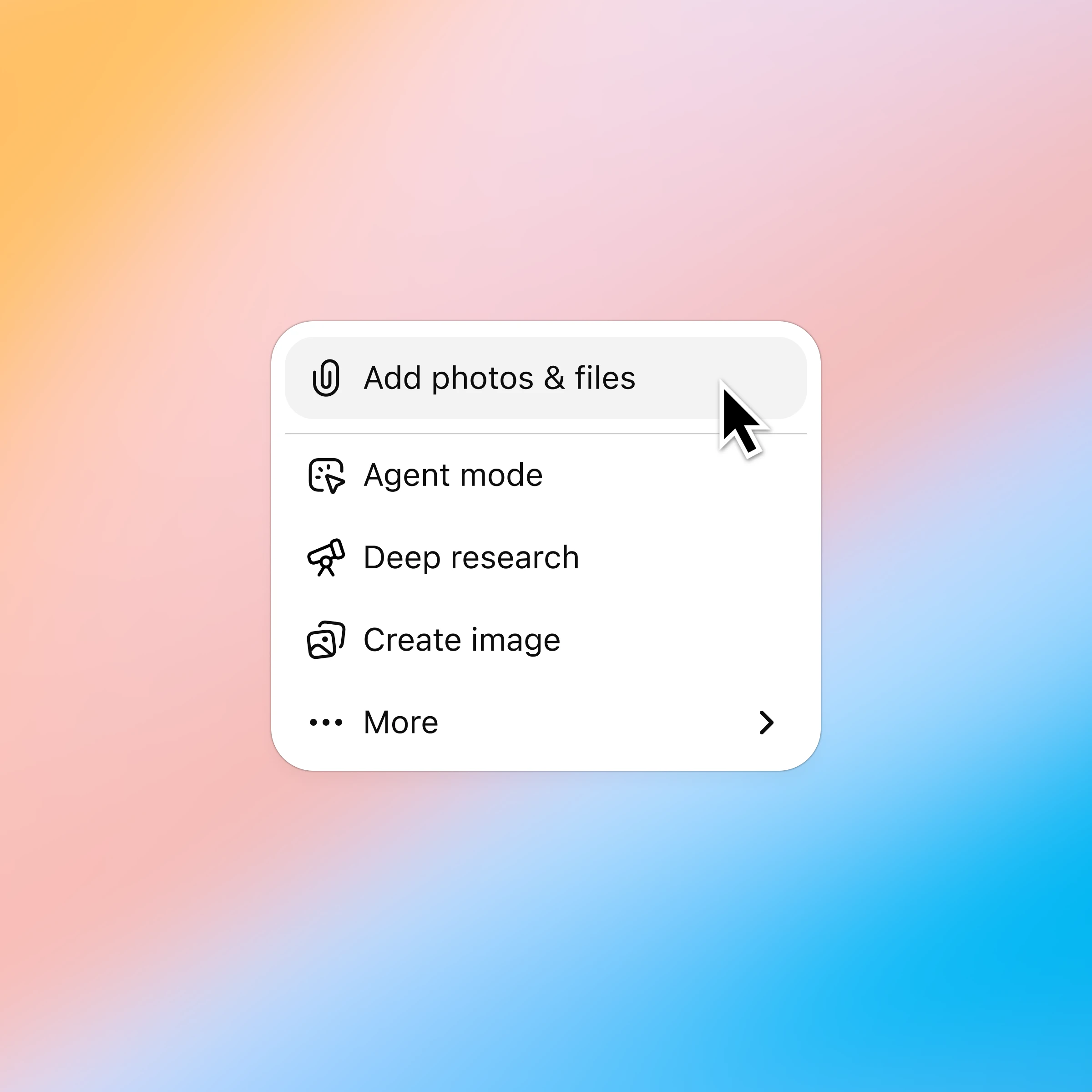
Click the ‘+’ and select ‘Add photos & files’ and choose the presentation you want to discuss. Plus and Pro customers can connect to Google Drive and Microsoft Teams to pull in existing files. Learn more.
More ways to chat with presentations
Περισσότεροι τρόποι να χρησιμοποιείτε το ChatGPT
- Συνομιλία με υπολογιστικά φύλλα
Κατανοήστε τα δεδομένα πιο γρήγορα, διορθώστε τύπους με αυτοπεποίθηση και μετατρέψτε ανεπεξέργαστους αριθμούς σε σαφείς πληροφορίες και πρότυπα.
- Συνομιλία με PDF
Αποστείλετε τα PDF σας στο ChatGPT και λάβετε βοήθεια για την ανάλυση και τη συνόψιση μεγάλων εγγράφων, ώστε να αποκτήσετε γρήγορα τις πληροφορίες που χρειάζεστε.
- Περιηγηθείτε στο διαδίκτυο με το Atlas
Χρησιμοποιήστε το Atlas, το πρόγραμμα περιήγησής μας με ΤΝ, για να συνοψίσετε σελίδες, να συγκρίνετε προϊόντα, να αναλύσετε πληροφορίες ή να πραγματοποιήσετε ενέργειες στο διαδίκτυο.