Voice conversations in ChatGPT
Talk to ChatGPT, hands-free. Learn something new, talk out thoughts, brainstorm ideas, get how-to advice, or practice languages.
Paano magsimula ng pag-uusap sa boses
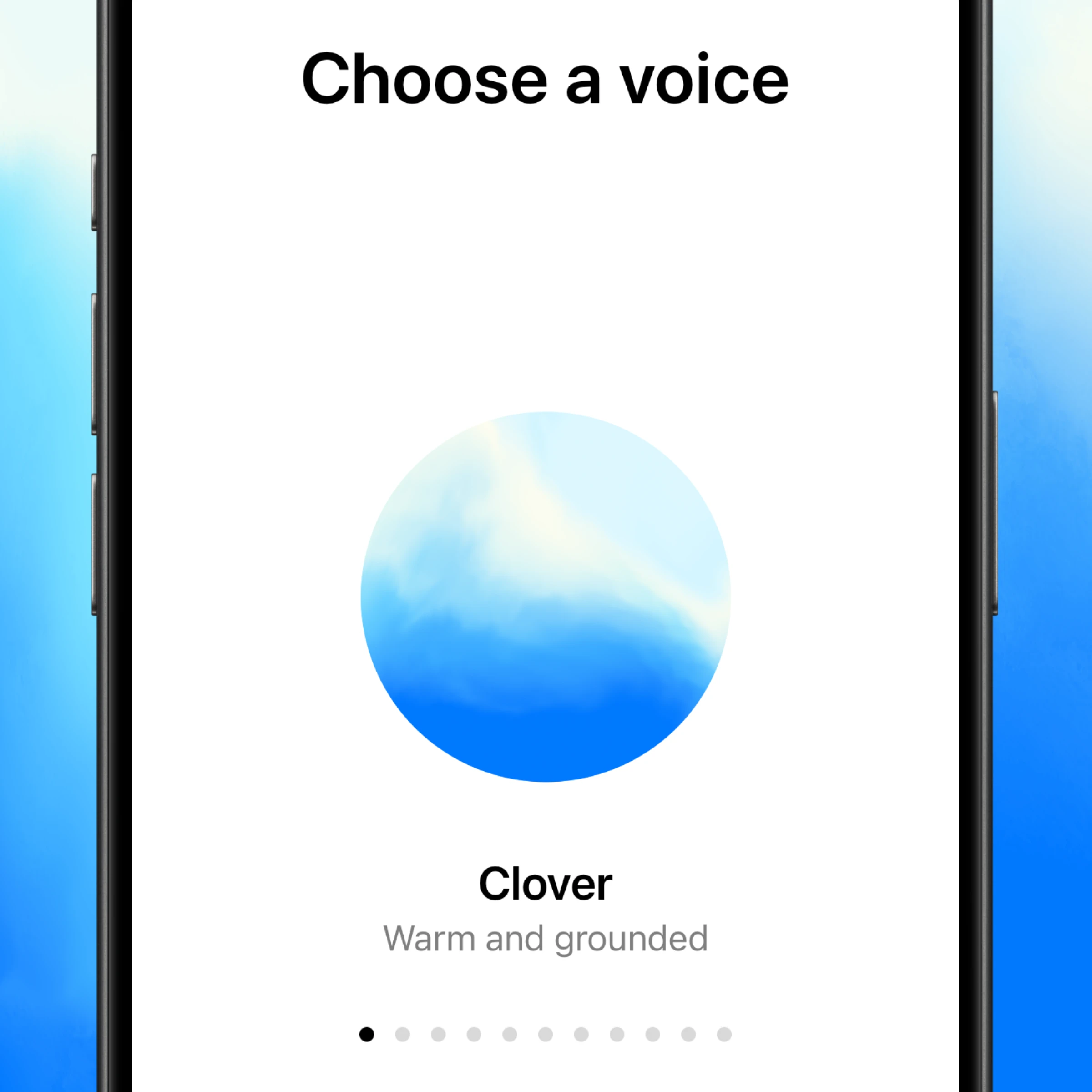

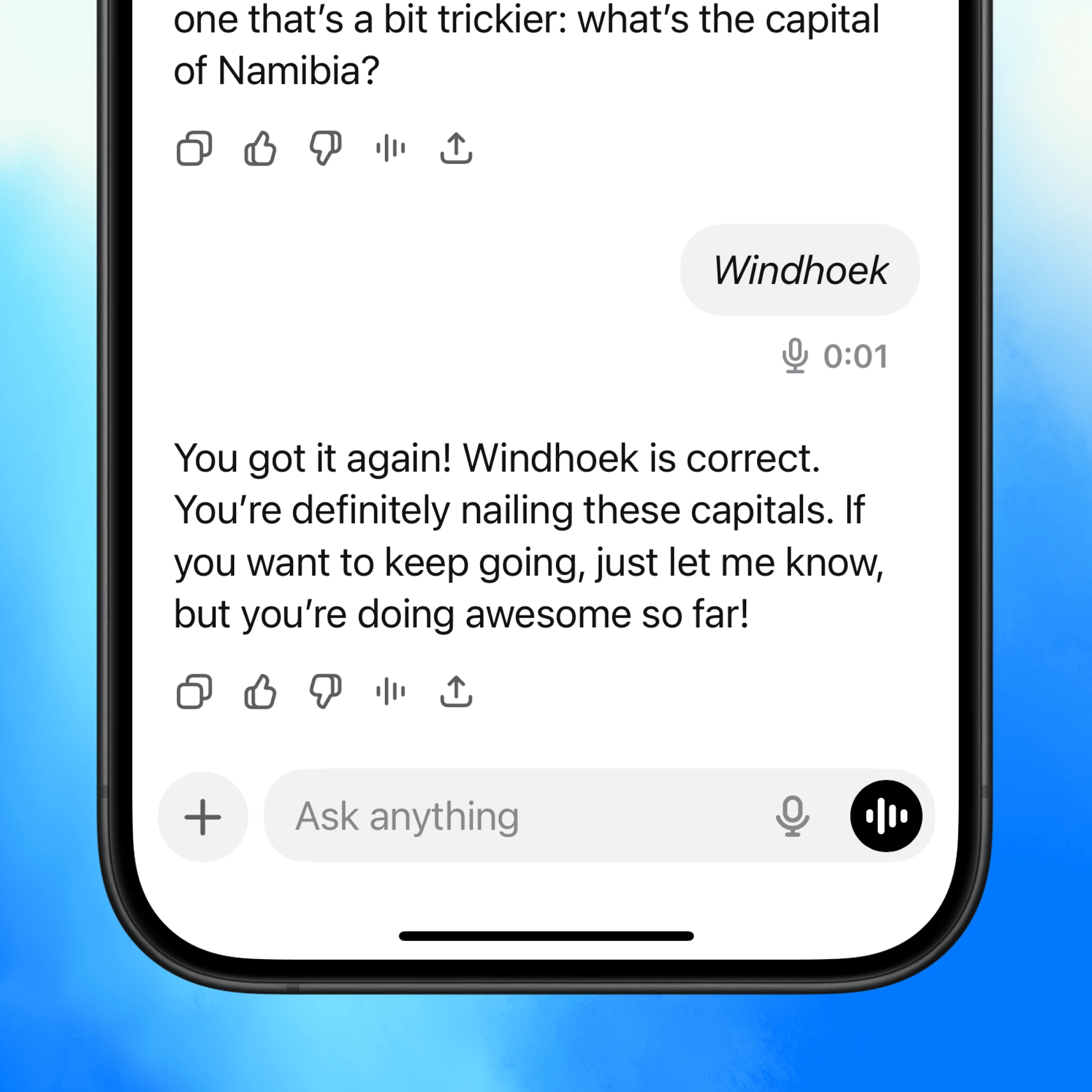
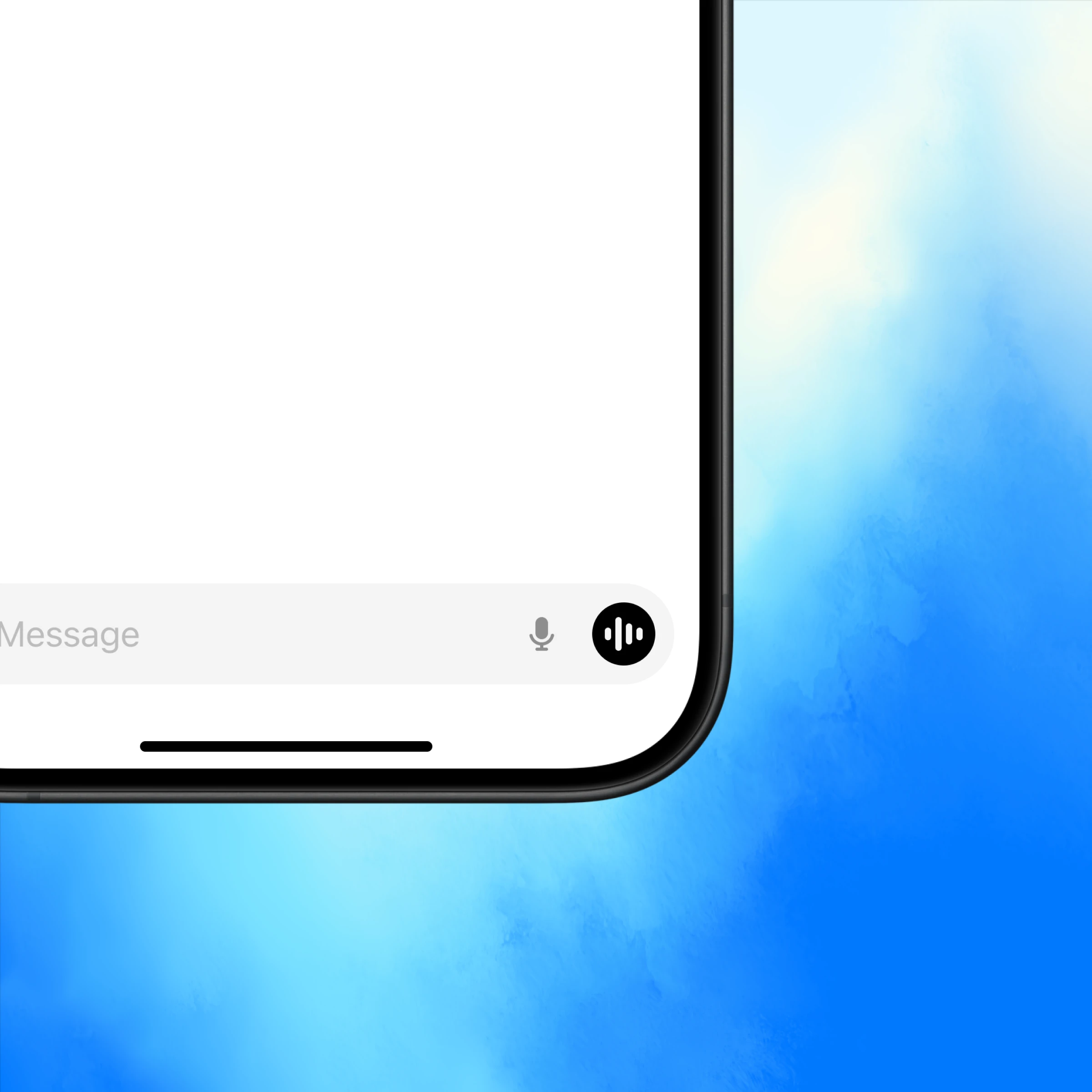
Buksan ang ChatGPT at i-tap ang icon ng boses sa kanang ibaba.
Talk to an expert, anytime
Quick answers, hands-free
Voice gives you instant answers from ChatGPT so you can keep moving.
Conversations that flow
Follow up, change direction, or go deep—voice makes it natural.
More than text
Some things are better spoken. Use voice to practice a language, prep for an interview, or get live translation.
More ways to use voice
Get inspired to start your own conversation in ChatGPT.
Explore more
- Voice with video
Talk to ChatGPT about what you're seeing and get help solving a problem or brainstorming, instantly.
- I-browse sa web gamit ang Atlas
Gamitin ang Atlas, ang aming browser na pinapagana ng AI, para ibuod ang mga pahina, ikumpara ang mga produkto, suriin ang impormasyon, o gumawa ng mga aksyon sa web.
- Desktop app ng ChatGPT
I-download ang ChatGPT desktop app para laging isang pindot lang ang AI at makapagtrabaho ka sa code, mga file, email, o mga screenshot na gusto mong i-upload.